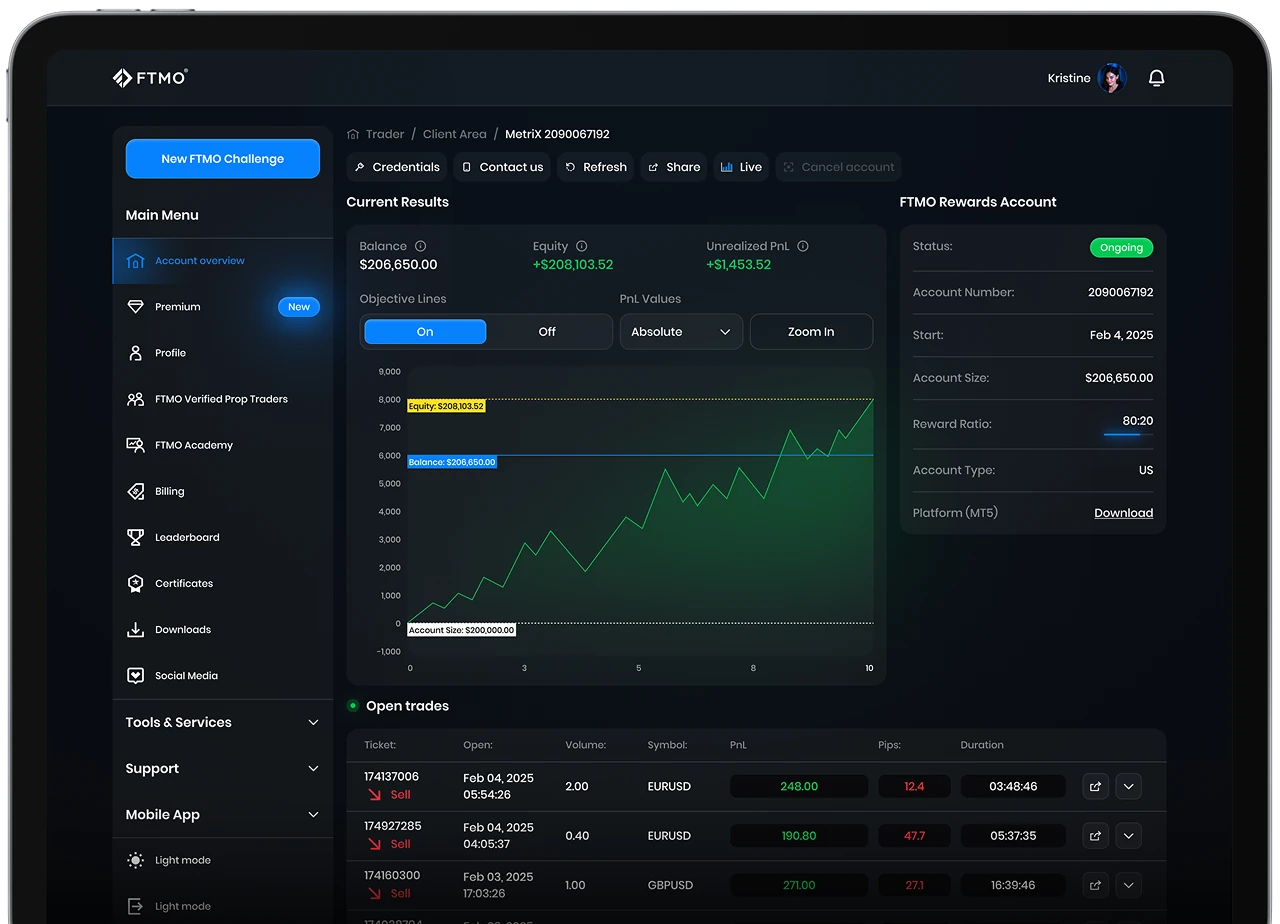





Your login credentials, link to download the platform, and a link to open its web version can be found in your Client Area, in the Credentials section within Account MetriX.
Common issues:
- Using a read-only password if you want to trade. Trading-related actions require the master password. If you are logged in with a read-only password, log out and log in again with the master password. Both passwords are visible in the Credentials section.
- Using an incorrect server. Please ensure that you use the correct FTMO server. The server must be exactly the same as in your Credentials section.
Desktop
If you are logging in to your first account, a pop-up window may appear after you open the desktop app. Close it and continue with step 2.
- Open the MetaTrader 5 application
- Click File in the top left corner
- Click Open an Account
- Type FTMO into the search bar, then click Find your company
- Choose OANDA Corporation and continue to the next page
- Choose Connect with an existing trade account
- Log in with the information provided in your Credentials section:
- Login number
- Password
- Master password to trade
- Read-only password to only visit the platform
- Server (do not type the server, but choose it from available options)
- Finish the login process
Mobile (iOS)
If you are logging in to your first account, a pop-up window will appear after you open the mobile app. Close it and continue with step 4.
- Open the MetaTrader 5 application
- Click Settings in the bottom right corner
- Click New Account
- Type FTMO into a search bar and choose OANDA Corporation
- Log in with the information provided in your Credentials section:
- Login number
- Password
- Master password to trade
- Read-only password to only visit the platform
- Server
- Finish the login process
Mobile (Android)
If you are logging in to your first account, a pop-up window will appear after you open the mobile app. Close it and continue with step 5.
- Open the MetaTrader 5 application
- Click the Menu in the top left corner
- Click Get Started / Manage accounts button
- Click the Plus button
- Type FTMO into a search bar and choose OANDA Corporation
- Log in with the information provided in your Credentials section:
- Login number
- Password
- Master password to trade
- Read-only password to only visit the platform
- Server
- Finish the login process
Web
- Open the web MetaTrader 5 using the link button in the Credentials section of the specific account
- Log in with the information provided in your Credentials section:
- Login number
- Password
- Master password to trade
- Read-only password to only visit the platform
- The server is already chosen automatically based on the Credentials section
- Finish the login process